Comms and calendar
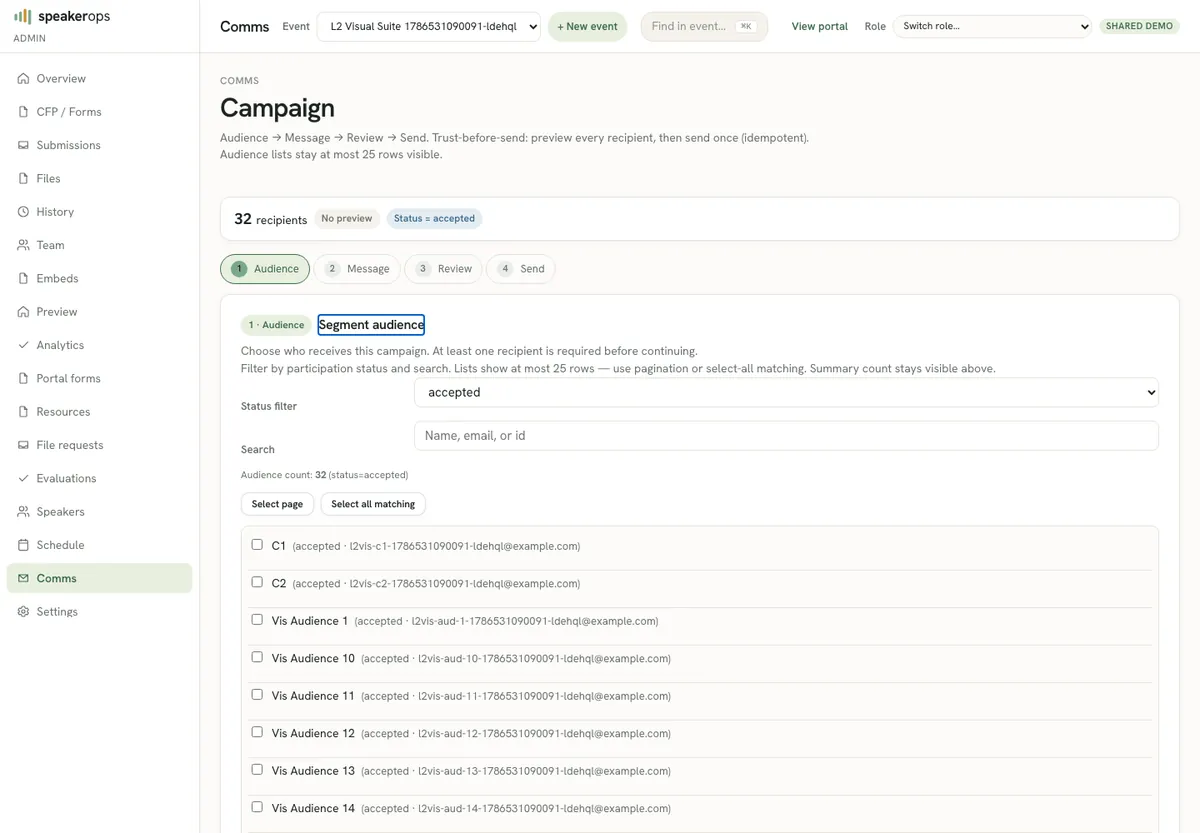
Draft templated email, preview recipients, send via outbox, and manage calendar invites — with Campaign vs History surfaces so ops never crowd the wizard.
Where comms live
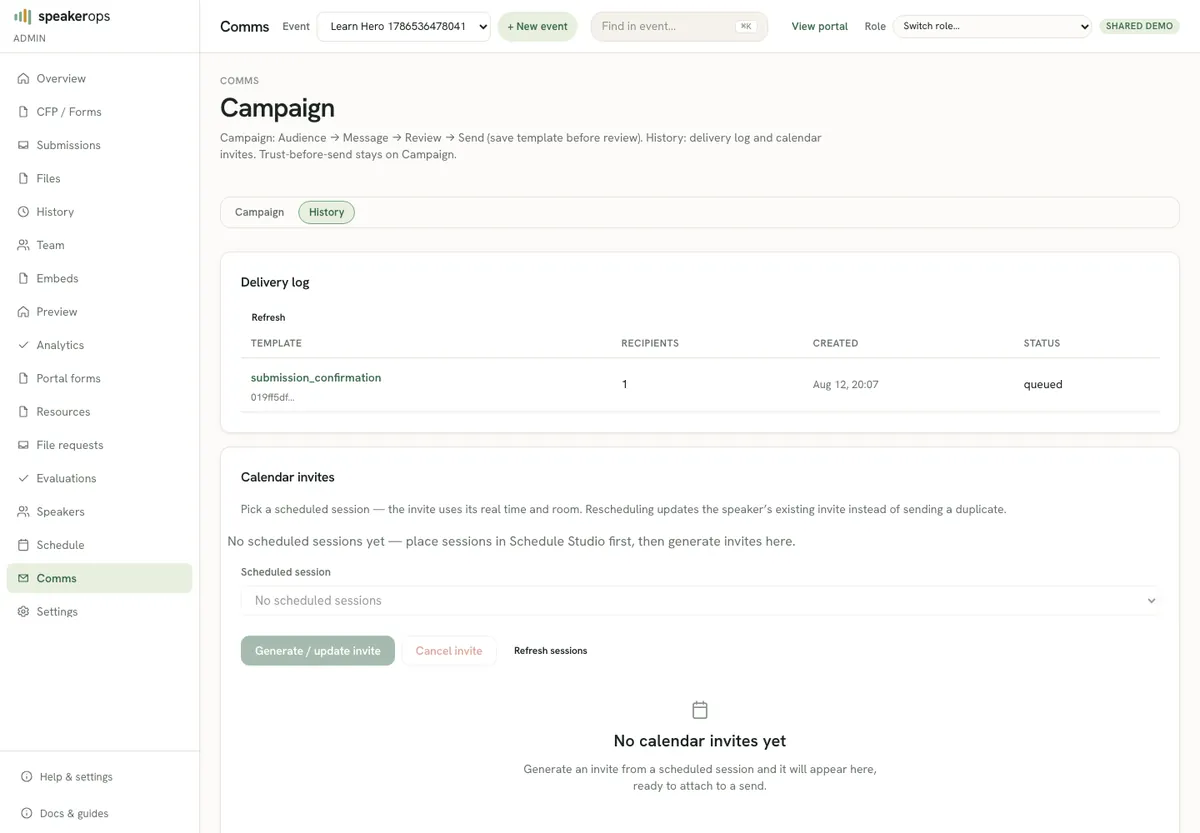
Open Admin → Comms. The page has two surfaces:
- Campaign (default) — the send wizard only: Audience → Message → Review → Send. Delivery log and calendar-invite tools are not on this surface.
- History — delivery log (jobs, recipients, status) and calendar invite generate/update for scheduled sessions.
Deep-link with ?surface=history when you need the log or ICS panels. Send still enqueues outbox work for asynchronous drain — the request path does not call the email provider directly.
Campaign wizard
- On Campaign, set audience (status, search, or explicit selection). Next needs at least one recipient.
- Message — edit subject and body (merge fields like
{{name}}). Click Save template before Next; the step stays blocked with “Save template before review” while unsaved. - Review — run preview; inspect recipients, bodies, and missing fields. Editing audience or message invalidates a prior preview.
- Send (last step) — optional attach of an existing calendar invite, then Send. Trust-before-send: Send stays disabled without a valid matching preview.
Draft and preview
Preview requires a saved templateId on the server. Inspect missing fields before any send. Fix person or session data when required tokens are blank. Calendar invites (ICS with stable UID/SEQUENCE) are generated on History; on the hosted demo, email carries no attachments and speakers download the .ics from the portal instead. On Send you may attach an already-generated invite to this campaign.
- Open Admin → Comms (Campaign).
- Audience → Message → Save template → Review → Run preview.
- Repair data or template tokens until missing fields are acceptable.
- Send, then open History for the delivery log if you need job detail.
Scopes and CLI
comms:draft allows preview automation. comms:send is default-deny on new API keys and required for send. Agents should draft and show humans a preview before any key with send is used in production.
speakerops comms templates --event <eventId> --json
speakerops comms draft --template <templateId> --preview --json
speakerops comms send --preview-id <previewId> --json
Delivery backends
Local and many dev paths use sandbox provider behavior. Demo uses Cloudflare Email Sending, which delivers no attachments — calendar .ics files reach speakers as a portal download. Other environments may use Resend (attachment-capable) when EMAIL_PROVIDER=resend and secrets are set. Operators should know which provider the current host uses before debugging inbox issues.